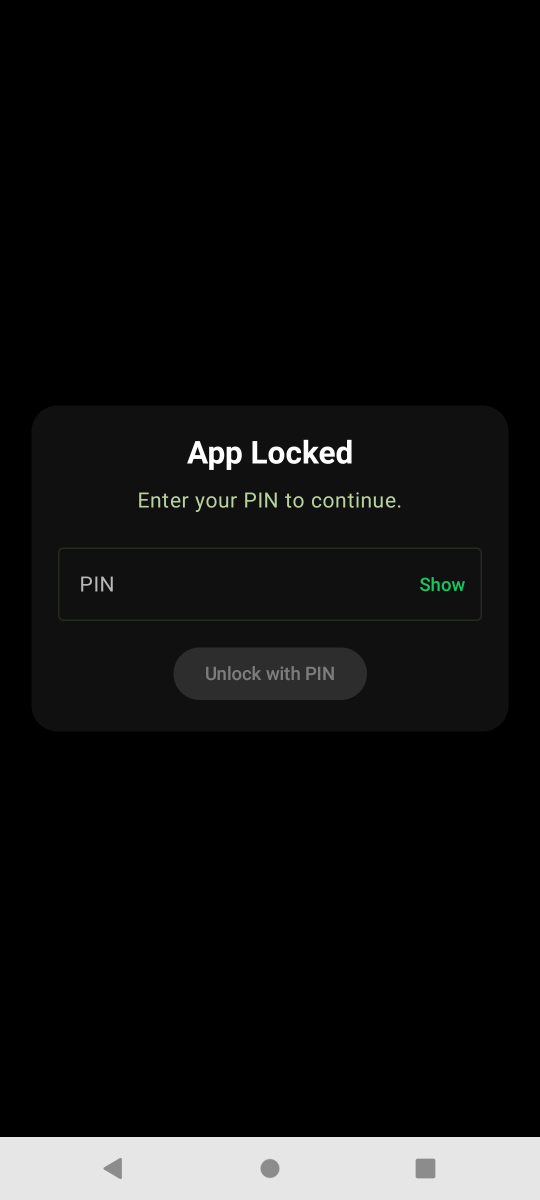
LunaCam Tutorial
PIN and Biometrics
PIN and Biometrics strengthens access control with app locks, privacy screens, and security actions for sensitive personal records.
Prepare
Open the LunaCam screen for PIN and Biometrics. Check permissions, encryption key state, storage space, network, and the device condition before you begin.
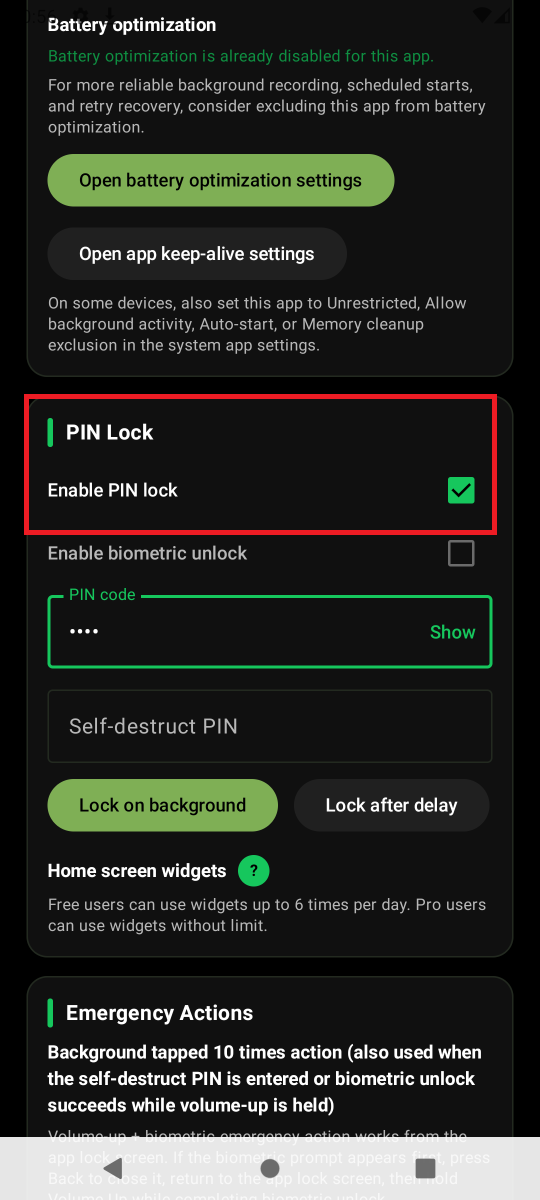
Action
Use the relevant LunaCam controls to complete PIN and Biometrics. Keep the app open until the status message confirms the action.
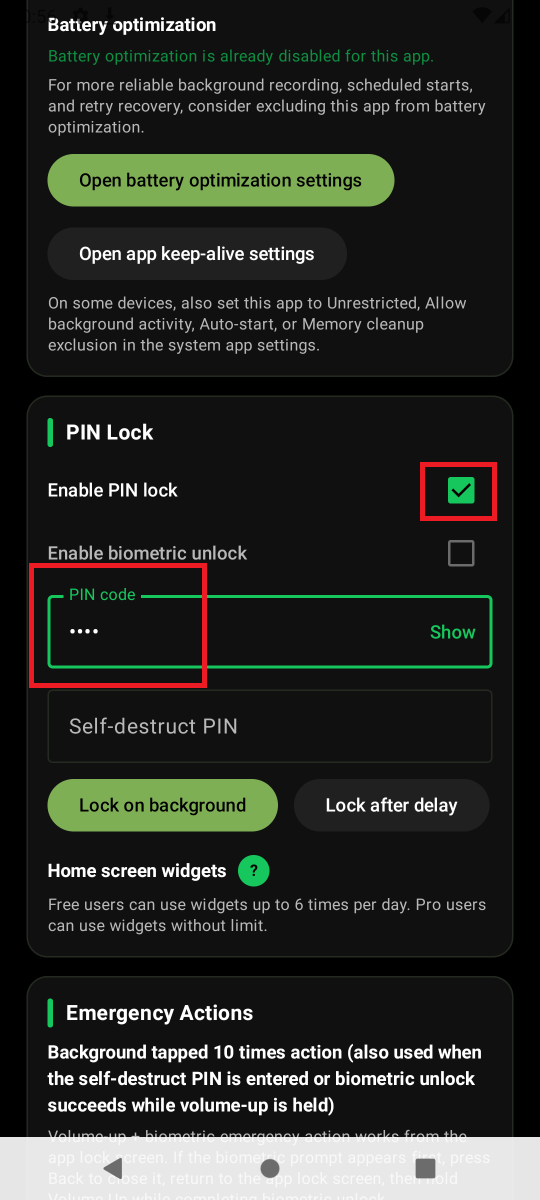
Confirm
Check the resulting file or setting for PIN and Biometrics. Review the cautions before exporting, sharing, deleting, or changing security settings.