LunaCam Tutorial
Create Key and Password
Create Key and Password focuses on cryptographic keys, passwords, and recovery planning so encrypted case files remain accessible later.
Prepare
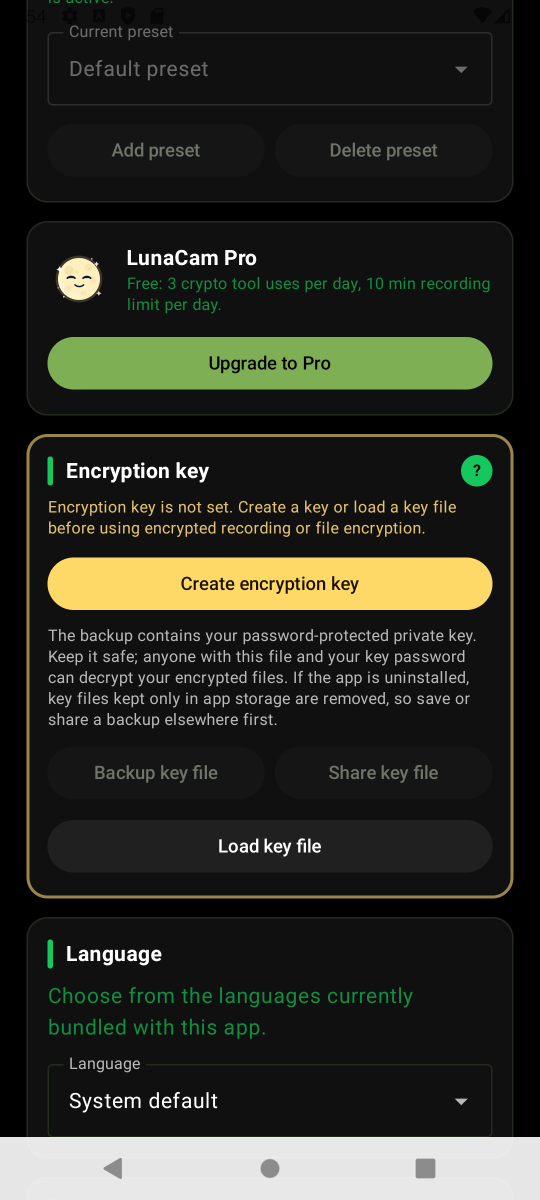
From the LunaCam main screen, open Settings first. Then open Key Management or the Encryption Key section and check the current key state.
Action
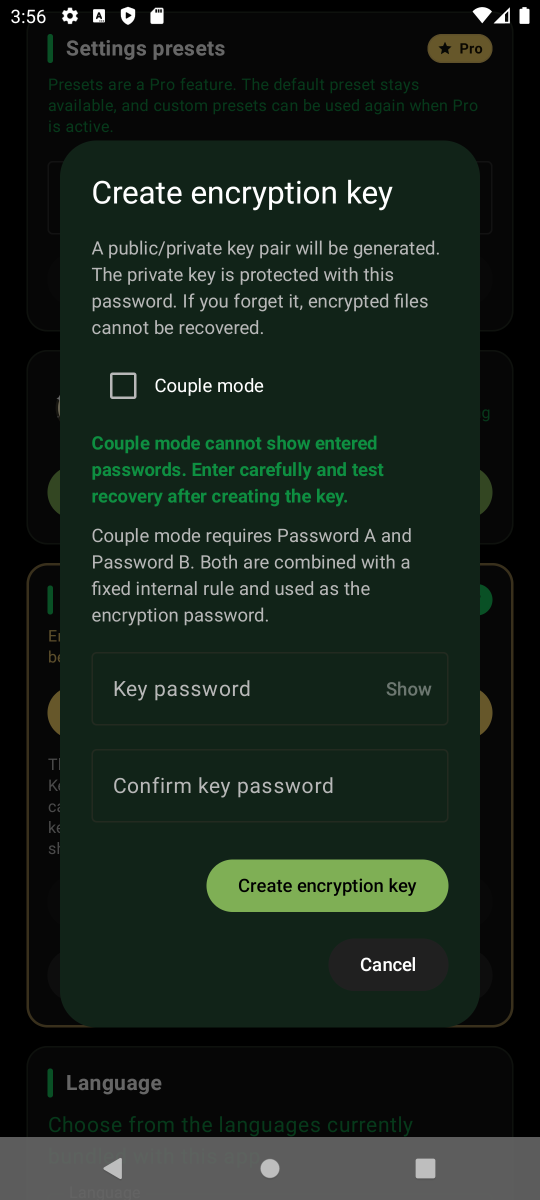
Create a new encryption key, enter a long and hard-to-guess password, and check the password strength result before saving. A sufficiently complex password raises the cost of guessing and brute force attacks, and LunaCam uses Argon2id-based key derivation to slow brute force attempts.
Confirm
Store the key backup and password separately. If both are lost, encrypted files may be impossible to recover later.