LunaCam Tutorial
Background Recording
Background Recording helps user-started recording sessions stay organized around case notes, storage limits, notifications, and device behavior.
Prepare
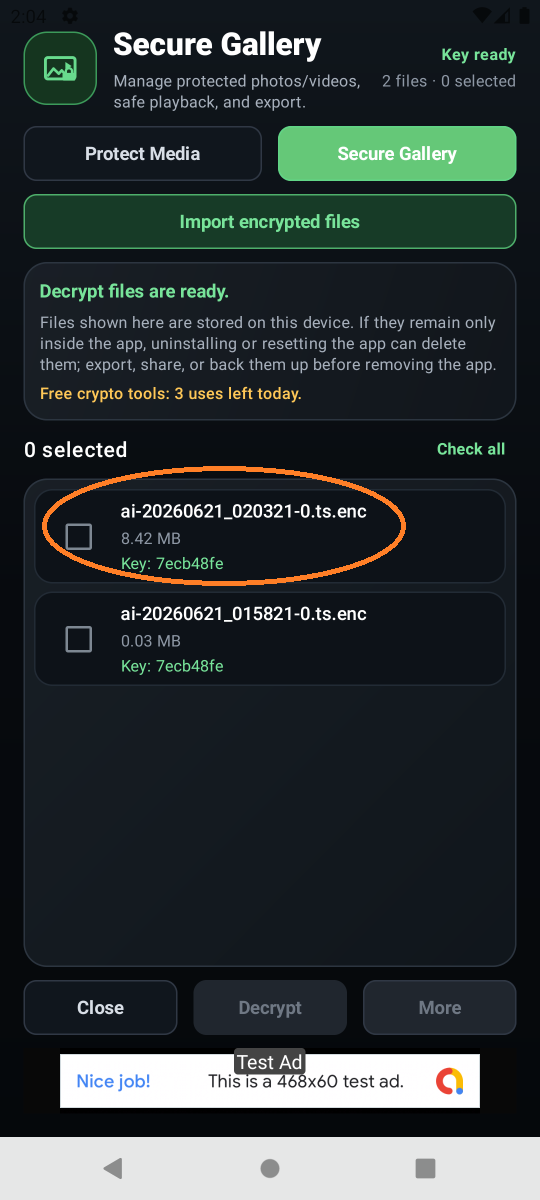
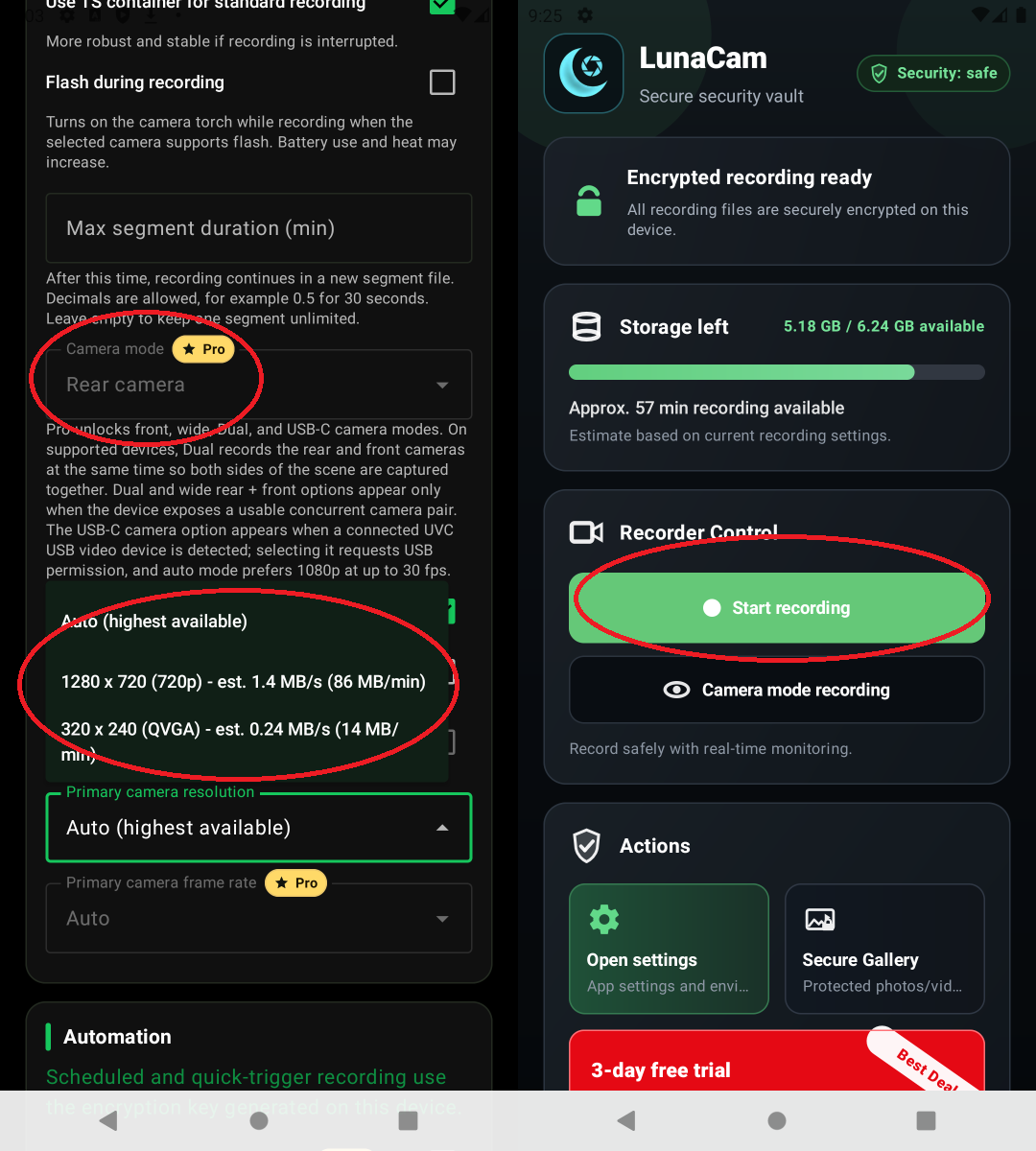
Check background recording settings, notification permission, battery optimization exceptions, storage space, and encryption key readiness before you start.
Action
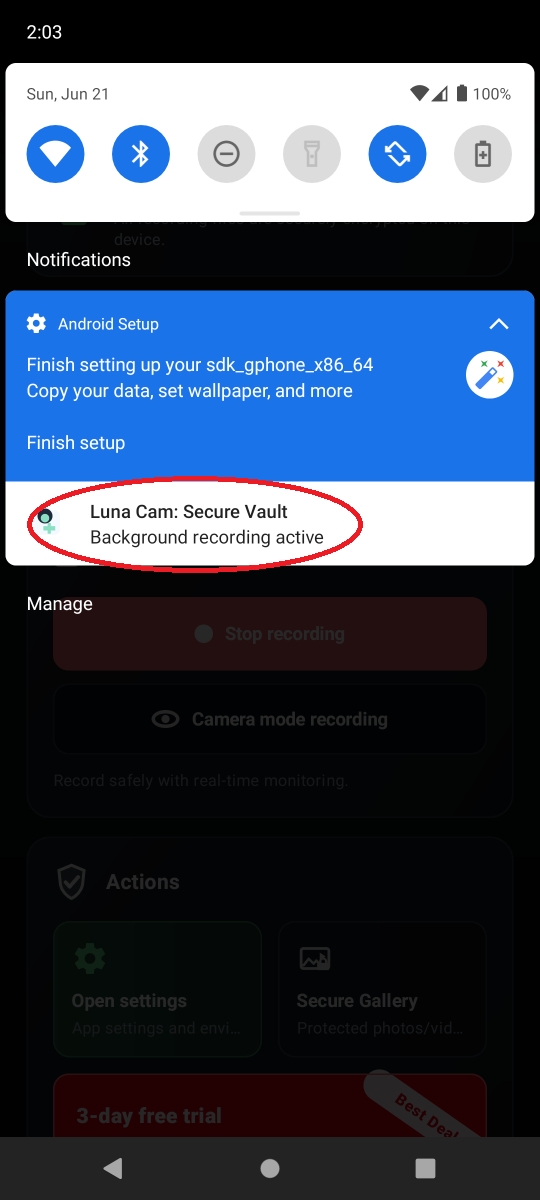
Start background recording yourself, then switch apps or turn the screen off and confirm that the Android Foreground Service notification stays visible.
Confirm
Background recording can vary by device maker, Android version, battery policy, notification permission, and storage state. Test it before any important recording.